Video that holds together
Eight things the pipeline does to keep a generated video coherent: four-view character sheets, location plates with named anchors, shots that morph into each other, word-level captions, generated voice and an original score, and a series that inherits its cast. Thirteen visual styles carry a look across every scene, and six approval gates sit between you and anything expensive.
What it actually does
Each one links to the page that explains it properly.
Character consistency
Your protagonist is recognisably the same person in scene one and scene twenty-five, and in next week's episode. A four-view reference sheet is generated and checked before any scene, then reused in every shot they appear in.
How character sheets work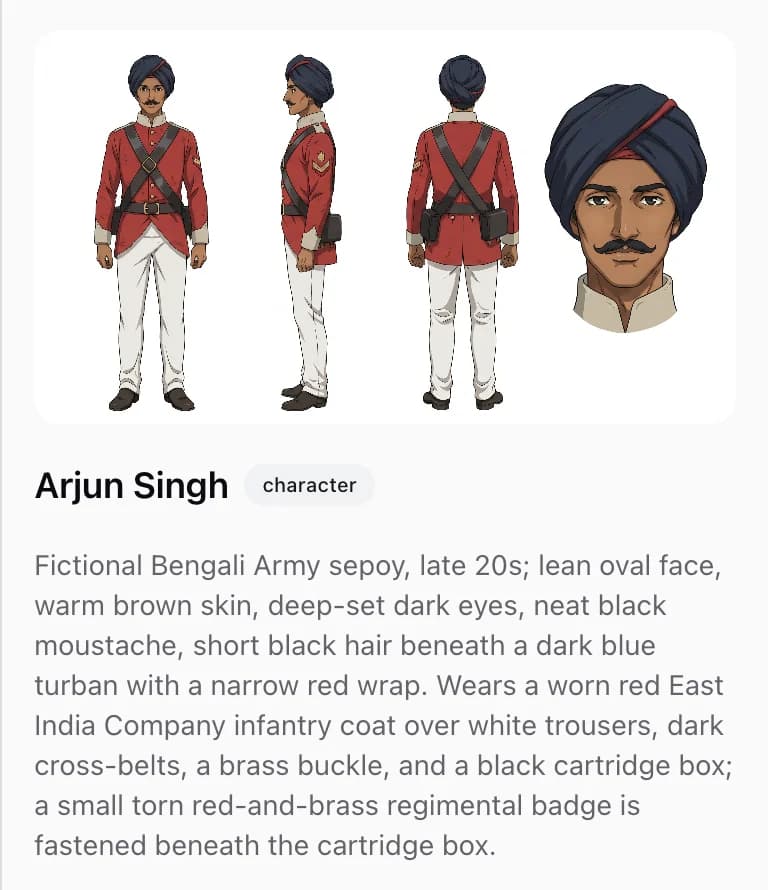
Locations that stay put
Go back to the same room and it is the same room — furniture where you left it, light from the same window. Every location gets a reference plate before any scene uses it, with the anchors in each direction named so the space cannot quietly rearrange.
How location plates work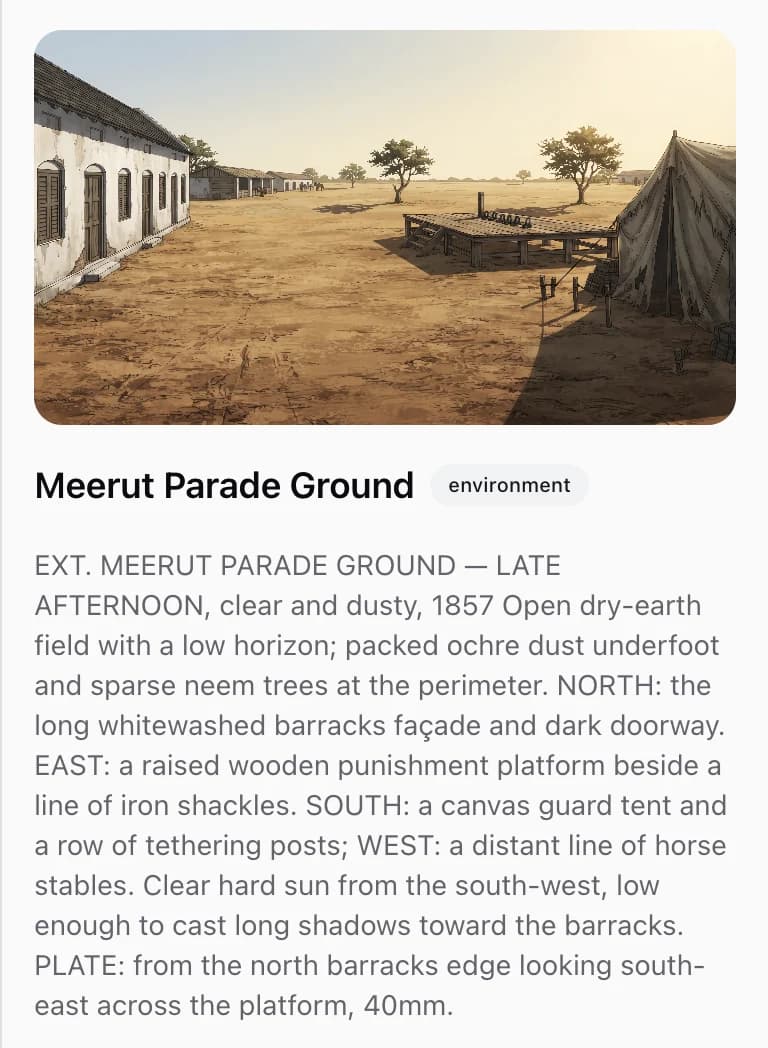
Six approval gates
You never pay for a video you have not already watched. A scrubbable preview cut is approved before any clips are bought, and generation stays locked until you sign off at each of six gates.
See what a video costs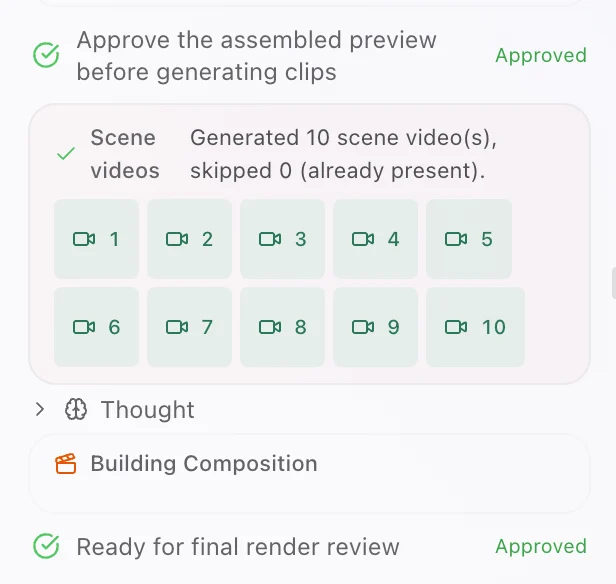
Thirteen visual styles
The finished video looks like one deliberate piece rather than twenty nice images. Pick from thirteen styles or describe your own, and a recurring visual motif is enforced across every scene.
See all thirteen styles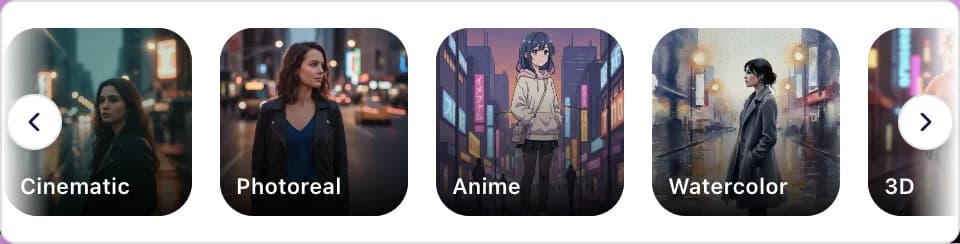
Voiceover and original music
Characters who speak on camera and sound the same every time, over a score written for your scenes. Thirty voices per engine, emotion and pace set per scene, and music ducked automatically under narration.
How voice and scoring work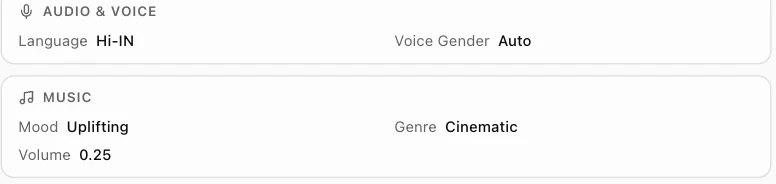
Captions in 26 styles
Watchable on mute, which is how most feed video is watched. Word-level animated captions burned in and styled for the format, plus SRT and VTT files with every render.
How captions are timedWord-level captionsEverywordtimedtothevoiceMP4 · up to 4KSRTVTTMulti-episode series
Episode two takes a fraction of the setup of episode one. Your cast, locations, uploaded photos and settings all carry over, so a format can actually recur.
How a series carries overEpisode 1Episode 2carried overcastlocationsyour photossettingsEvery placement, up to 4K
One project, every placement — a vertical cut for Shorts and a widescreen cut for YouTube. Up to 4K, from fifteen seconds to five minutes.
Compare the engines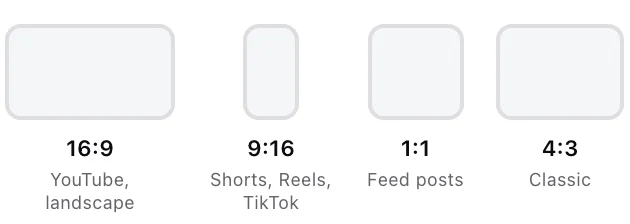
Ready to make your first video?
You buy credits, one credit is one US dollar, and you spend them only when something is generated. Nothing expensive runs until you have approved a preview.
Pay as you go · No subscription · Export up to 4K