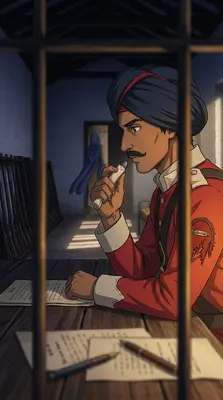
Scenes AI 2.0 is here
Make mini drama, shorts and tutorials that hold together
Mini drama, stories, shorts and tutorials — written, voiced, scored and rendered from an idea. The cast and the locations stay the same the whole way through, and in the next episode too.
Pay as you go · No subscription · Export up to 4K
13visual styles
26caption styles
30voices per engine
4Kmax export
What you can make
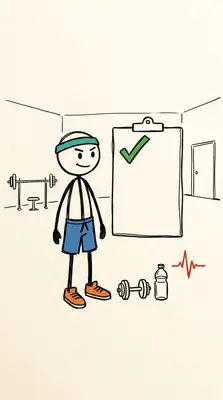
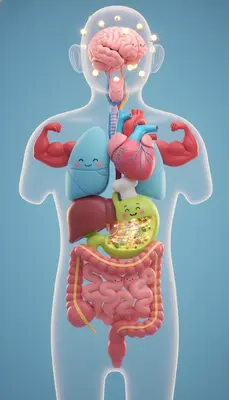
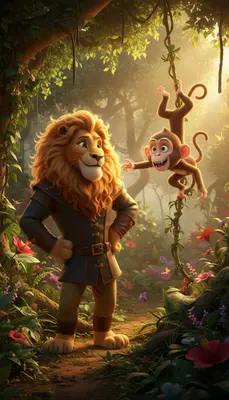
Pick the kind of video and Scenes AI writes to that shape — a mini drama ends on a cliffhanger, a tutorial opens on the finished result, a documentary traces every claim back to a source.

Also possible
Combinations of settings rather than a format of their own.
Why it holds together
Most tools give you a clip. The work is making twenty of them look like one video. Three phases and six approval gates — you only interact at moments that matter, decisions rather than grunt work.
Planning
Prompt, script, scene breakdown
Start with a plain-language prompt — no technical jargon, no settings overload. Tell Scenes AI what the video is about, who it's for, what tone you want, and how long it should be. The AI does the rest.
Approval gate. You approve the script before any picture exists.
What happens here
- Set duration from 15 seconds up to 5 minutes
- Pick a format: vertical 9:16, widescreen, square, portrait or ultrawide
- Define audience, tone, and visual style
- Prompt Analysis — extracts intent, audience and key facts
- Script Writing — narration with visual directions
- Scene Breakdown — scenes, timing and the cast and locations they need
Promptwrites010203Building
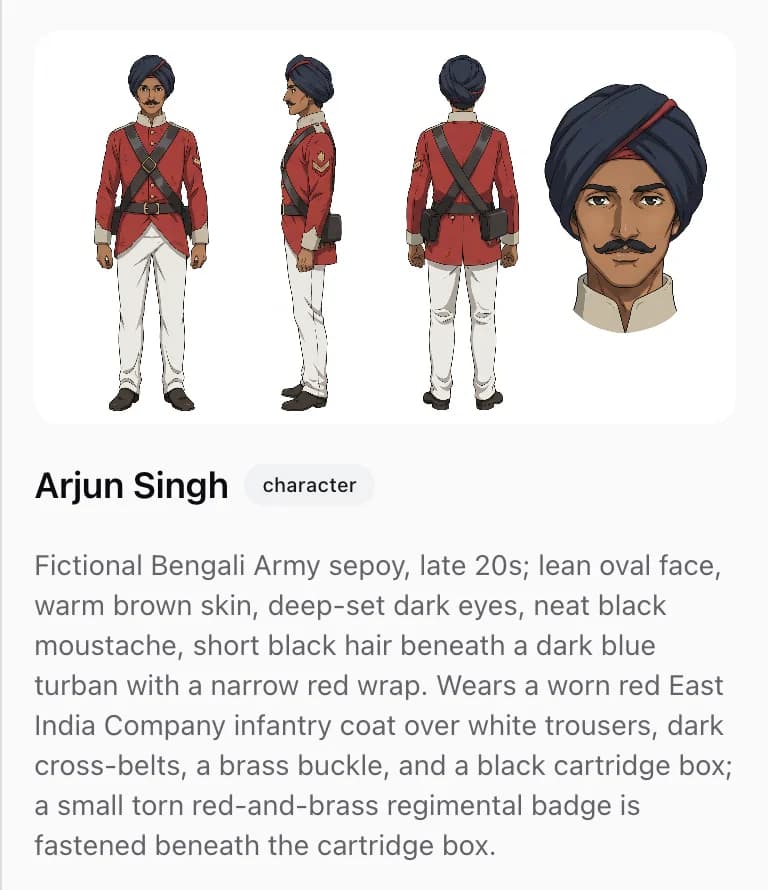
Character consistency
A four-view character sheet — front, side, back and a face close-up — is generated and checked before any scene is, then passed as a reference into every shot that character appears in.
Approval gate. You approve the character sheets and location plates.
What happens here
- Front, side, back and face on one reference canvas
- A vision reviewer verifies all four views are the same person
- Upload your own photos to use a real person instead
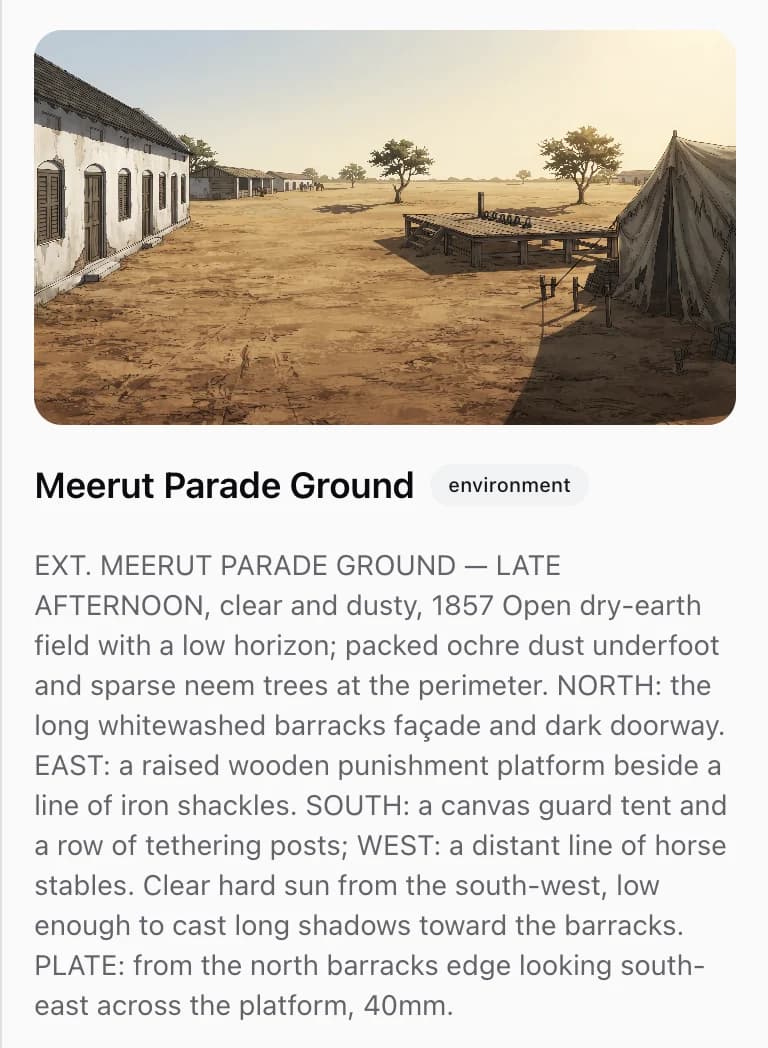
Locations that stay put
Each location gets a two-panel plate: a wide establishing shot, and the same room with the camera turned 180°. Fixed anchors are named so the space cannot quietly rearrange between scenes.
What happens here
- Two-panel plates cover both directions of a room
- Three to five fixed anchors named per location
- Light sources pinned so the time of day holds
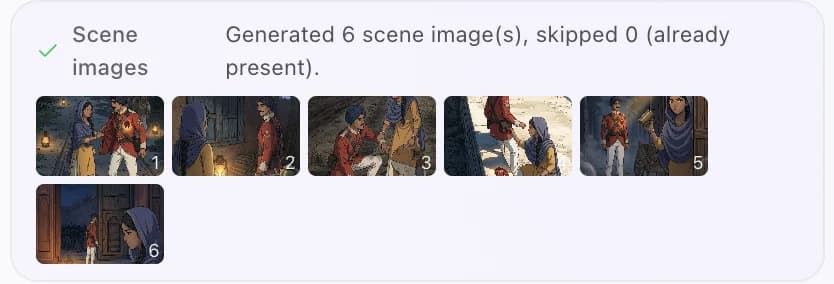
Shots that flow into each other
Mark two scenes as continuous and the second is generated from the first's final frame, then the clip morphs between them — one unbroken camera move instead of a cut.
Approval gate. You approve a scrubbable preview before the expensive clip batch is bought.
What happens here
- Next scene generated from the previous final frame
- Hard cuts use named editing devices, not randomness
- 180-degree rule, shot variety and energy pacing enforced
- Scenes generated from your approved references
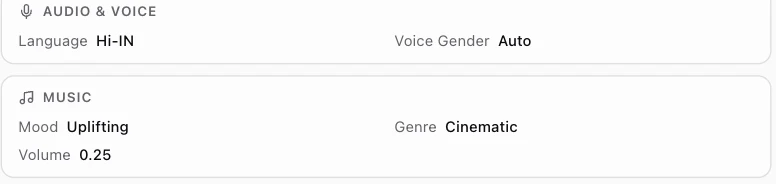
Voice and original music
Thirty voices per speech engine with per-scene emotion and pace, or let the video model lip-sync its own dialogue. Music is generated for your video and ducked under narration.
What happens here
- Per-scene emotion and speaking rate
- Characters carry a fixed voice description across scenes
- Original scored music, with lyrics or instrumental
Review
Captions, then the finished cut
Word-level animated captions are burned into the video, with the style picked automatically for the format. Rendering then assembles the clips, narration, music and captions into a finished MP4 at up to 4K — a long job, and you are told when it is done.
What happens here
- 26 animated styles, from karaoke to typewriter
- Word timing from real speech recognition, not guesswork
- Auto-resized and repositioned for vertical video
- MP4 at up to 4K, with SRT and VTT subtitles
- Vertical 9:16 for Reels, TikTok and Stories; square 1:1 for Instagram and LinkedIn
Word-level captionsEverywordtimedtothevoiceMP4 · up to 4KSRTVTTThen episode two
Start the next episode and your cast, locations, uploaded photos and settings come with it. You describe what happens next rather than reintroducing everyone.
What happens here
- Cast and locations inherited by the next episode
- Switch between episodes in the same conversation
- Each episode approved on its own before it renders
Episode 1Episode 2carried overcastlocationsyour photossettings
Thirteen visual styles. Or describe your own.
Whichever you pick carries through every scene, held in place by a recurring visual motif chosen when the script is written.
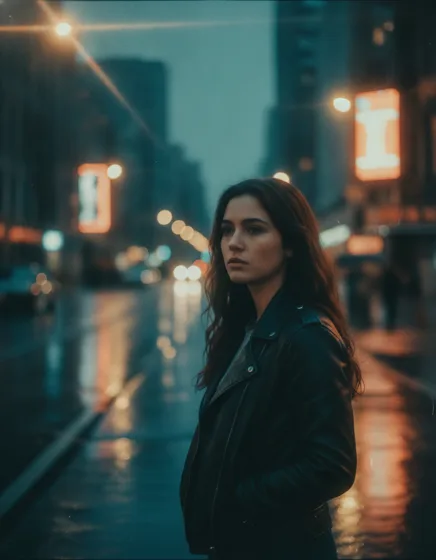
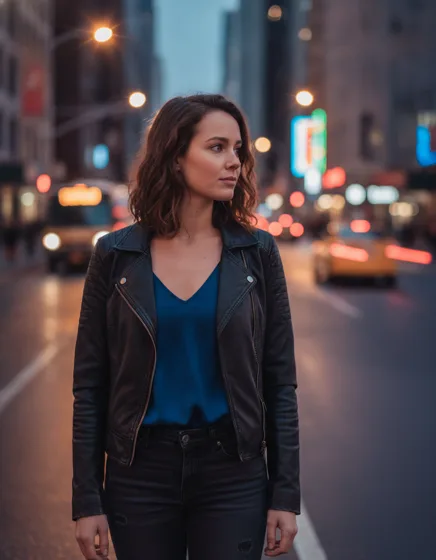
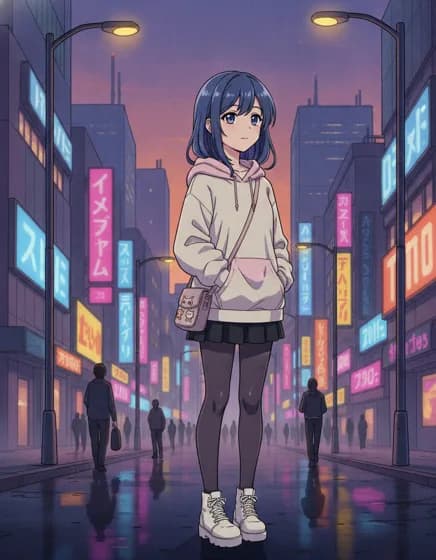
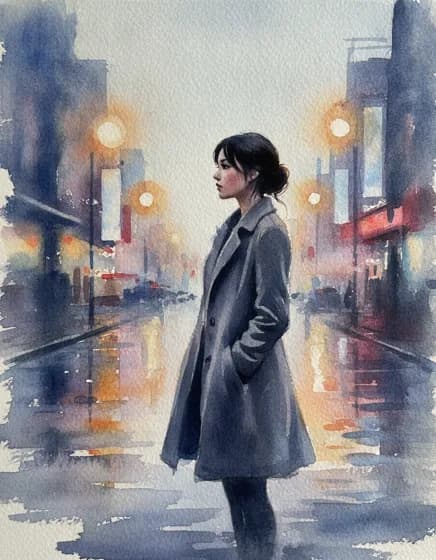
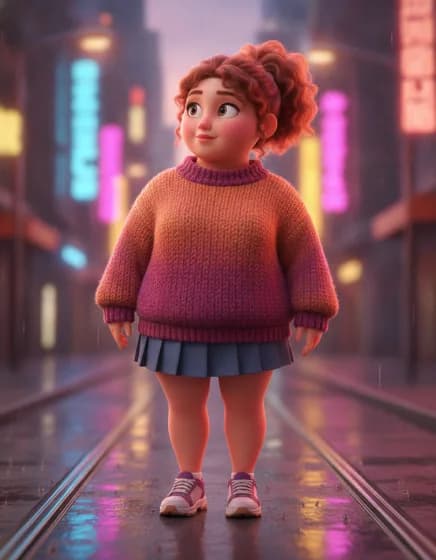
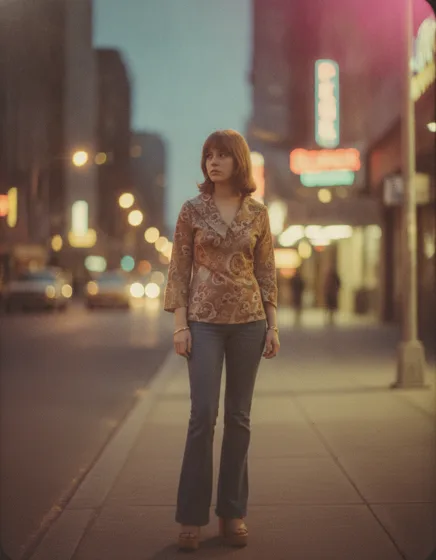
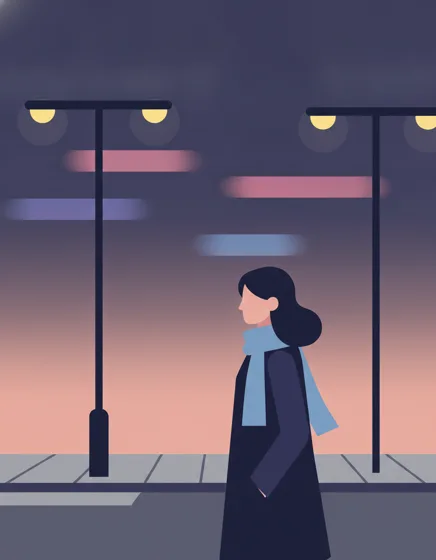
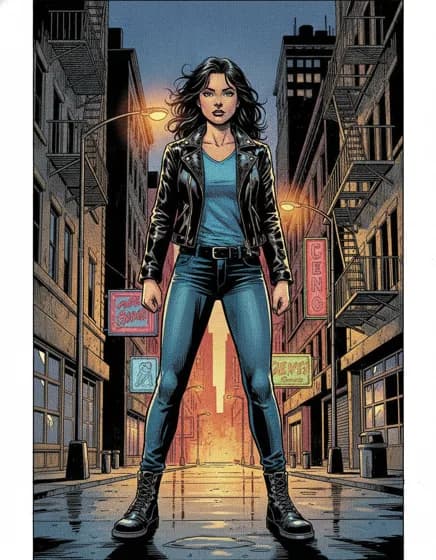
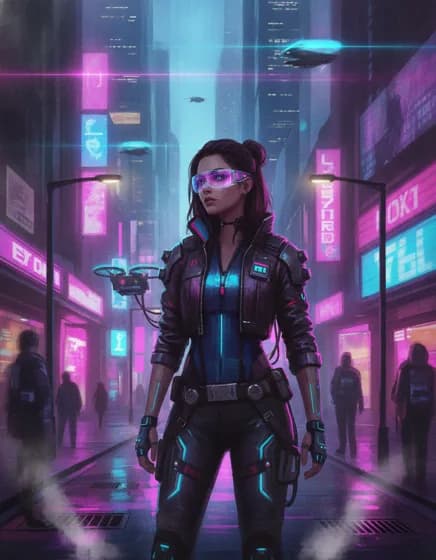
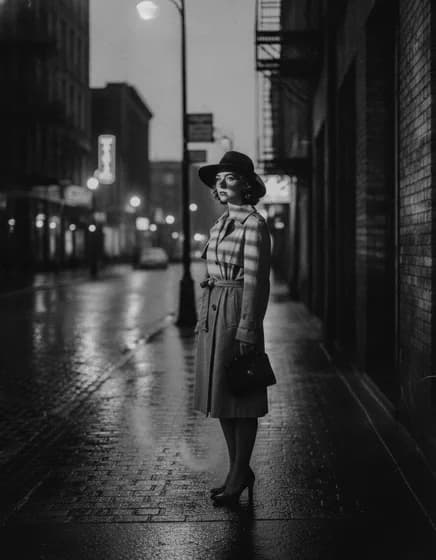
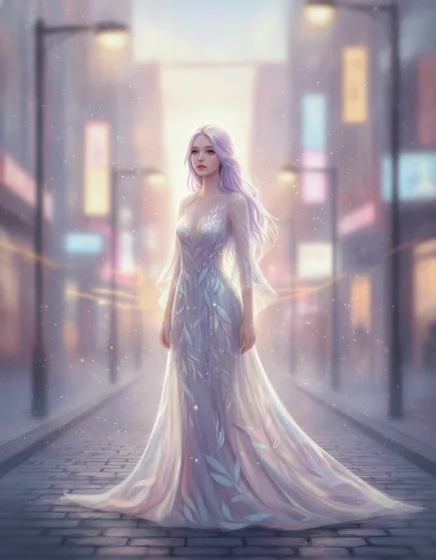
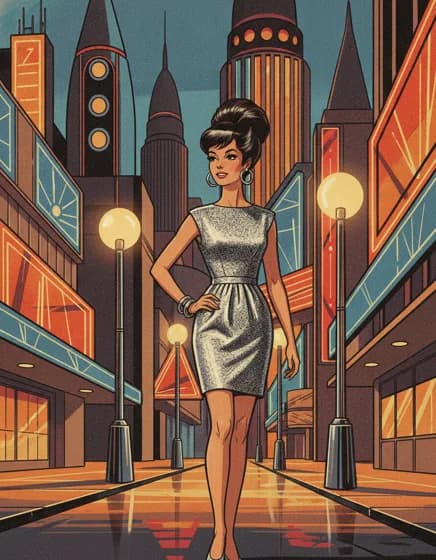
Cinematic
Photoreal
Anime
Watercolor
3D
Vintage
Minimal
Comic
Cyberpunk
Film noir
Dreamy
Retro-future
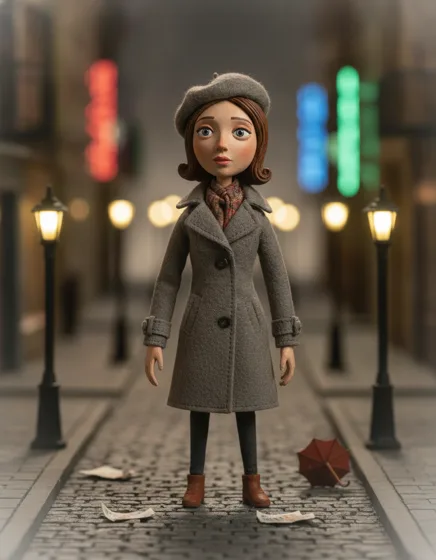
Stop motion
Or describe a look in your own words if none of these is it. How visual styles work.
Made for work that continues
Anything with a second episode, a recurring character, or a brand that has to look the same next month.
- Creators
Post a series, not one-off clips.
Build a recurring format where the same characters and settings come back every episode — the thing that makes a channel feel like a channel rather than a feed of unrelated videos.
What you get
- Cast and locations carry into the next episode automatically
- Vertical 1080x1920 for TikTok, Reels and Shorts
- Animated captions burned in, styled for the platform
- Faceless by default — nothing to film, nobody on camera
- Marketing
Keep every video recognisably yours.
One visual style and one recurring motif hold across a whole campaign, and your spokesperson keeps the same face and voice from video to video instead of being reinvented each time.
What you get
- Thirteen visual styles, or describe your own
- A recurring visual motif enforced in every scene
- Upload product or team photos as references
- Widescreen, square and vertical from the same project
- Educators
Narrated lessons in the learner's language.
Write the lesson, pick a voice, and get a narrated video with accurate on-screen captions — including subtitle files you can hand to a platform that requires them.
What you get
- Thirty voices per engine, with per-scene pace and emotion
- Fifty-two locales on the broadest speech engine
- SRT and VTT subtitle files with every render
- A research step that cites sources rather than inventing them
- Storytellers
Serialized drama that keeps its cast.
Scripted dialogue lip-synced by the video model, with every character holding one face and one voice from the first scene to the last — and into the next episode. The format that needs continuity most, and the one this is built for.
What you get
- Lip-synced dialogue with a fixed voice per character
- Cold open, escalation, reversal, cliffhanger — the mini-drama arc
- Shots that morph into each other instead of cutting
- Episode two inherits the cast, the locations and the settings
Pay for what you make.
No plans and no tiers — you buy credits, one credit is one US dollar, and you spend them only when something is generated. Video bills either per clip or per second, depending on which engine you pick.
- No subscription, no minimum
- Credits never expire
- You approve a preview before the expensive part
- Captions, voiceover and music included in the estimate
Clips start at
$0.026
per second on Seedance 2.0 Mini at 480p
- Clips
- per clip or per second, by engine
- A still per scene
- generated before the clip
- Narration
- per character of speech
- One music track
- generated for the video
A finished video is
The calculator on the pricing page quotes your exact setup using the same code that bills the account.
FAQ
Frequently asked questions
Can't find what you're looking for? Visit help and support or email hello@usescenes.com and a human will reply.
Five formats, each written to its own story shape: mini drama (serialized episodes that end on a cliffhanger), self-contained stories, vertical shorts built for retention, tutorials that open on the finished result, and documentaries whose claims trace back to sources. On top of those you can make faceless videos with nobody on camera, and cheap slideshows that animate stills instead of buying video clips.
Your first video starts with one sentence.
Describe what you want. Scenes AI writes the script, generates visuals, adds voiceover, and renders the final cut. You approve at every step, and nothing expensive runs until you have.
Pay as you go · No subscription · Export up to 4K
